



Achieve efficient teaching and seamless office collaboration with the smart whiteboard.
What is a Nework Smart Board?


Whiteboard
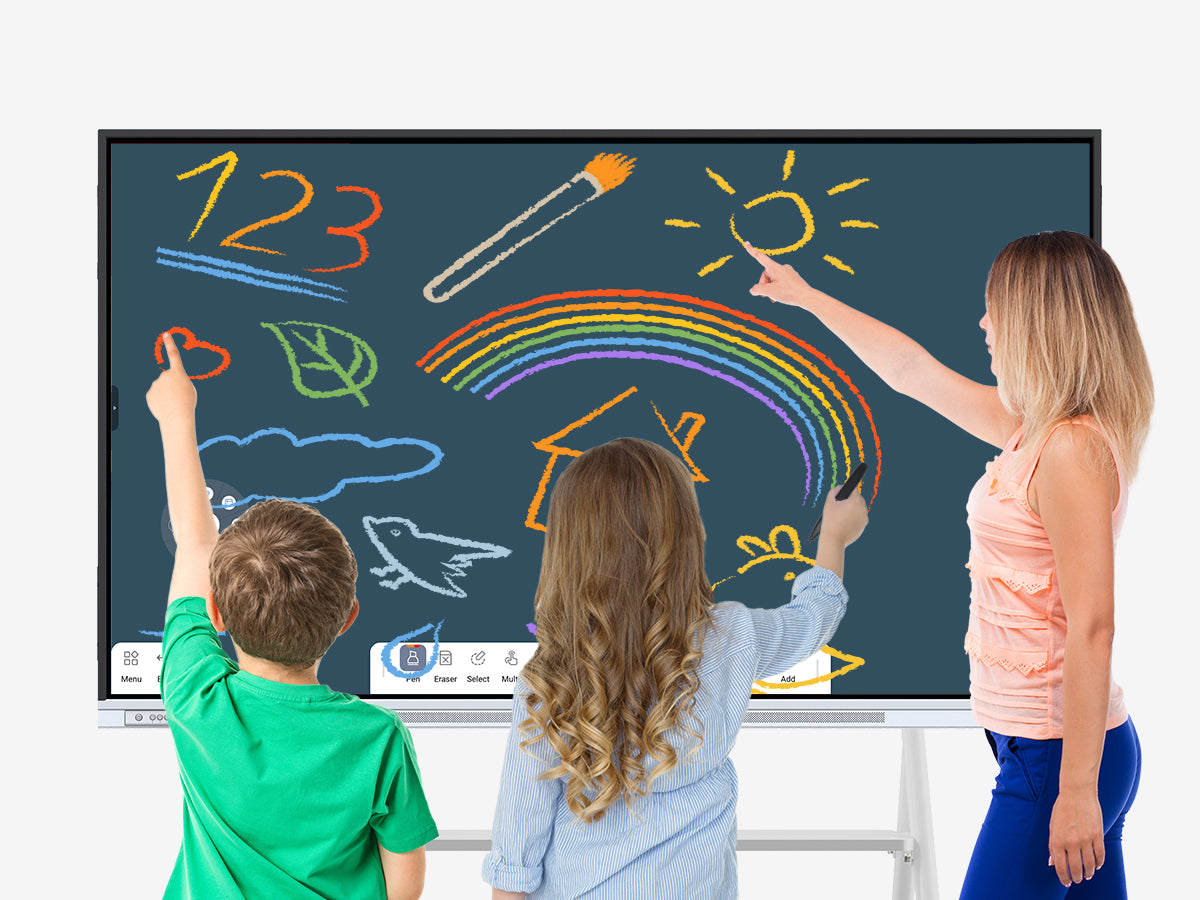
The whiteboard feature provides users with an infinite digital canvas, supporting multi-touch and simultaneous multi-user interaction. Users can freely write, draw, add shapes, or insert images on the whiteboard, making it suitable for brainstorming, teaching presentations, and project planning. All content can be saved and shared in real time, ensuring continuity and efficiency in team collaboration.
EShare
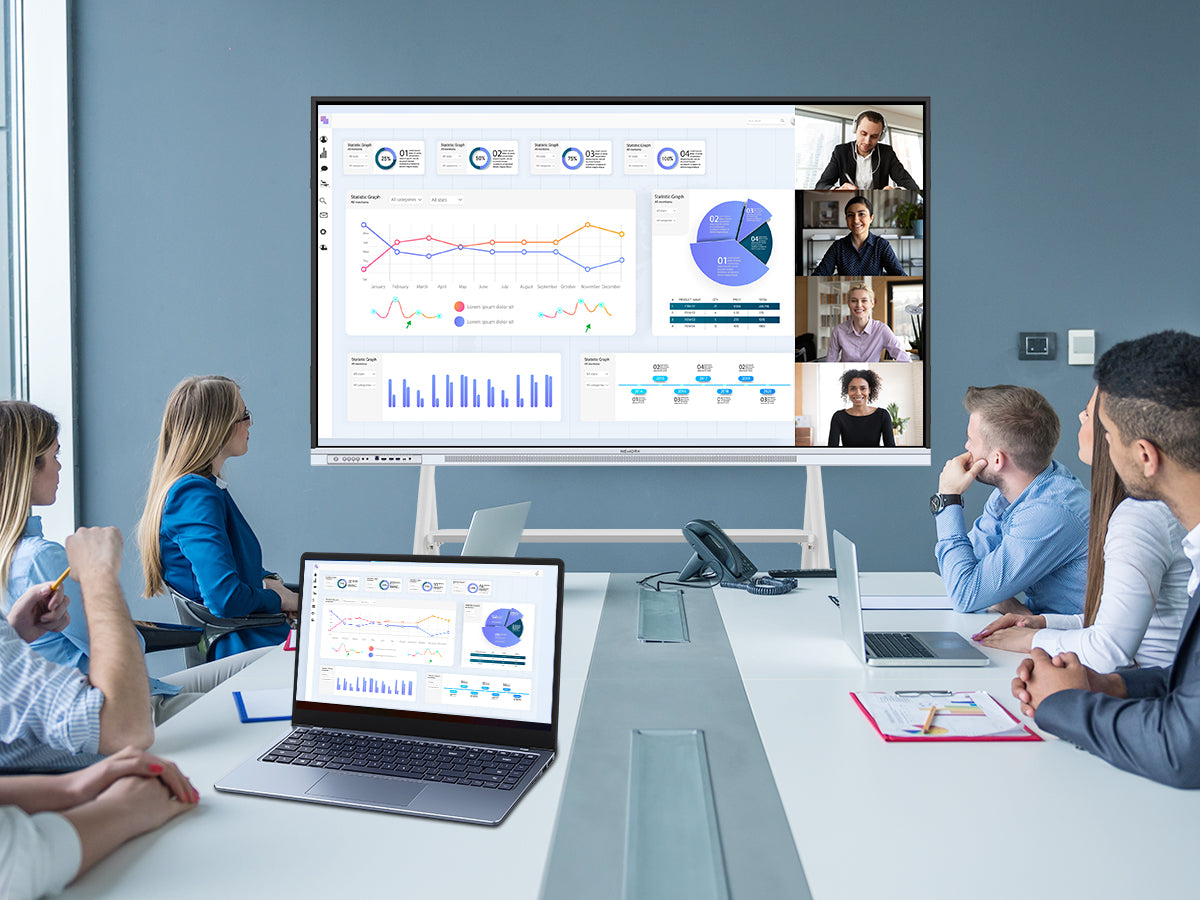
The EShare feature excels at seamless content sharing and device screen mirroring, allowing instant projection of images, documents, or videos onto a large screen with ease. Delivering high-quality, low-latency transmission, EShare ensures flawless performance across a wide range of use cases.
Annotation
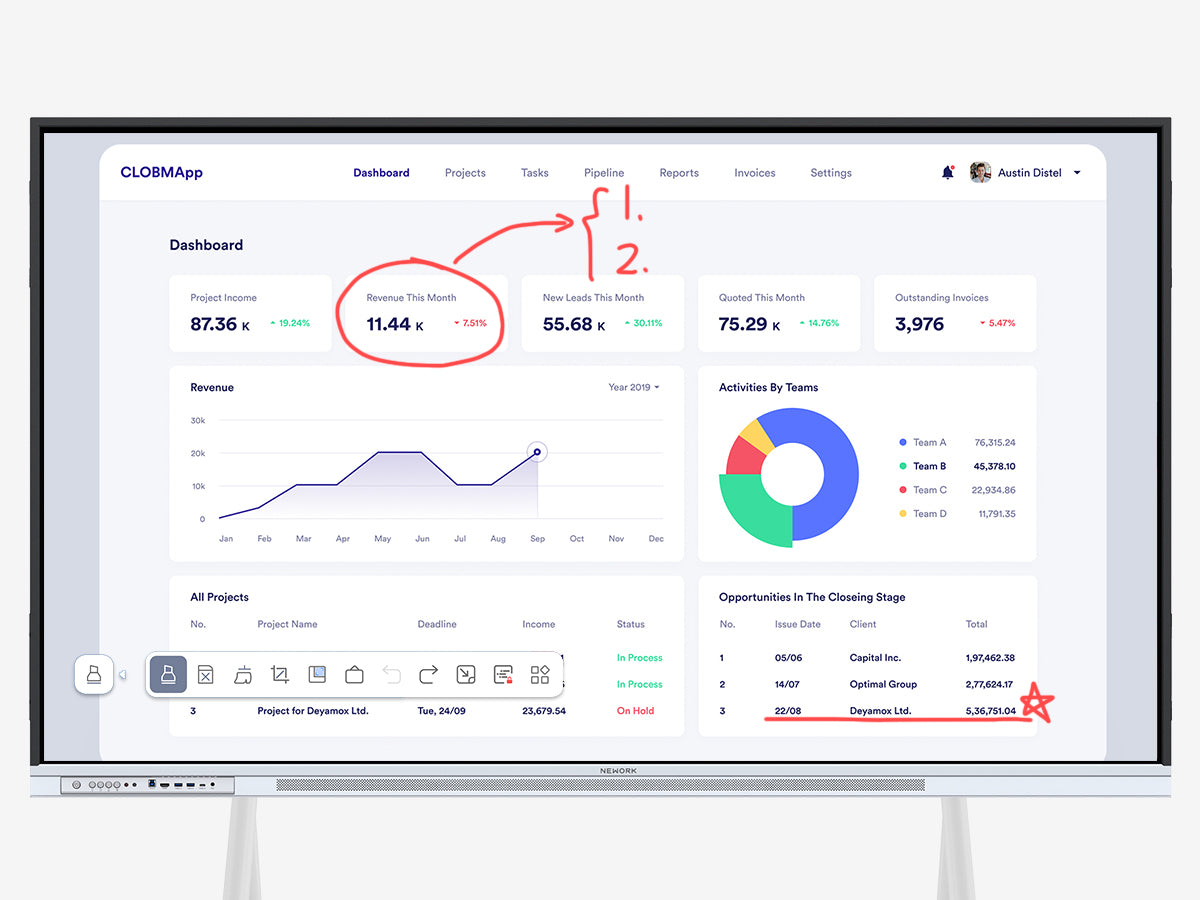
The annotation feature empowers users to mark up and comment on documents, images, or presentations in real time. Whether highlighting key points, adding text notes, or sketching shapes, it enables clearer expression of ideas and feedback with ease.
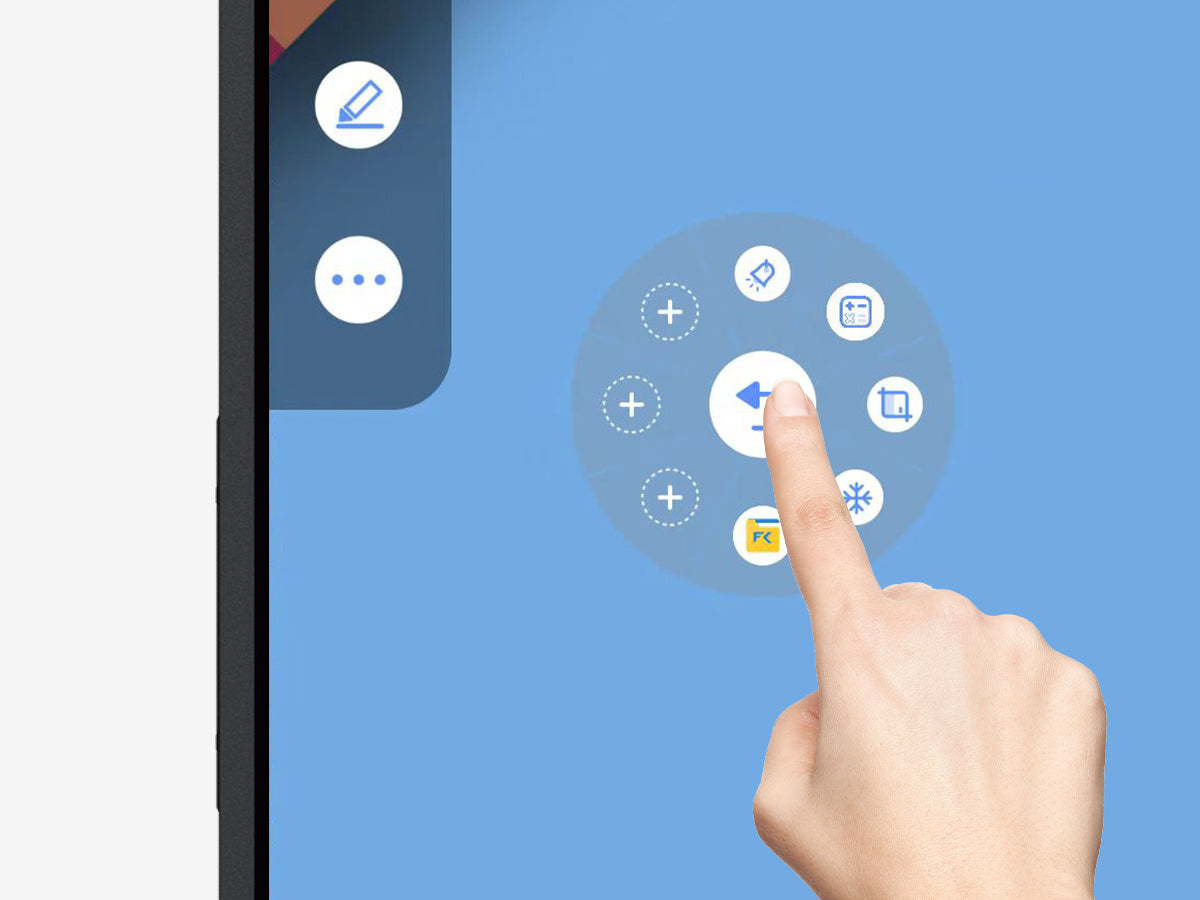
Floating Bar
The floating bar feature provides a handy, on-demand tool panel, giving users instant access to frequently used functions. Fully customizable, it lets users tweak the layout and shortcuts to suit their needs, boosting efficiency and elevating the overall experience. Plus, with a simple two-finger press on the screen for two seconds, the floating bar automatically repositions to the user’s fingertips—eliminating the need to move around a large display.

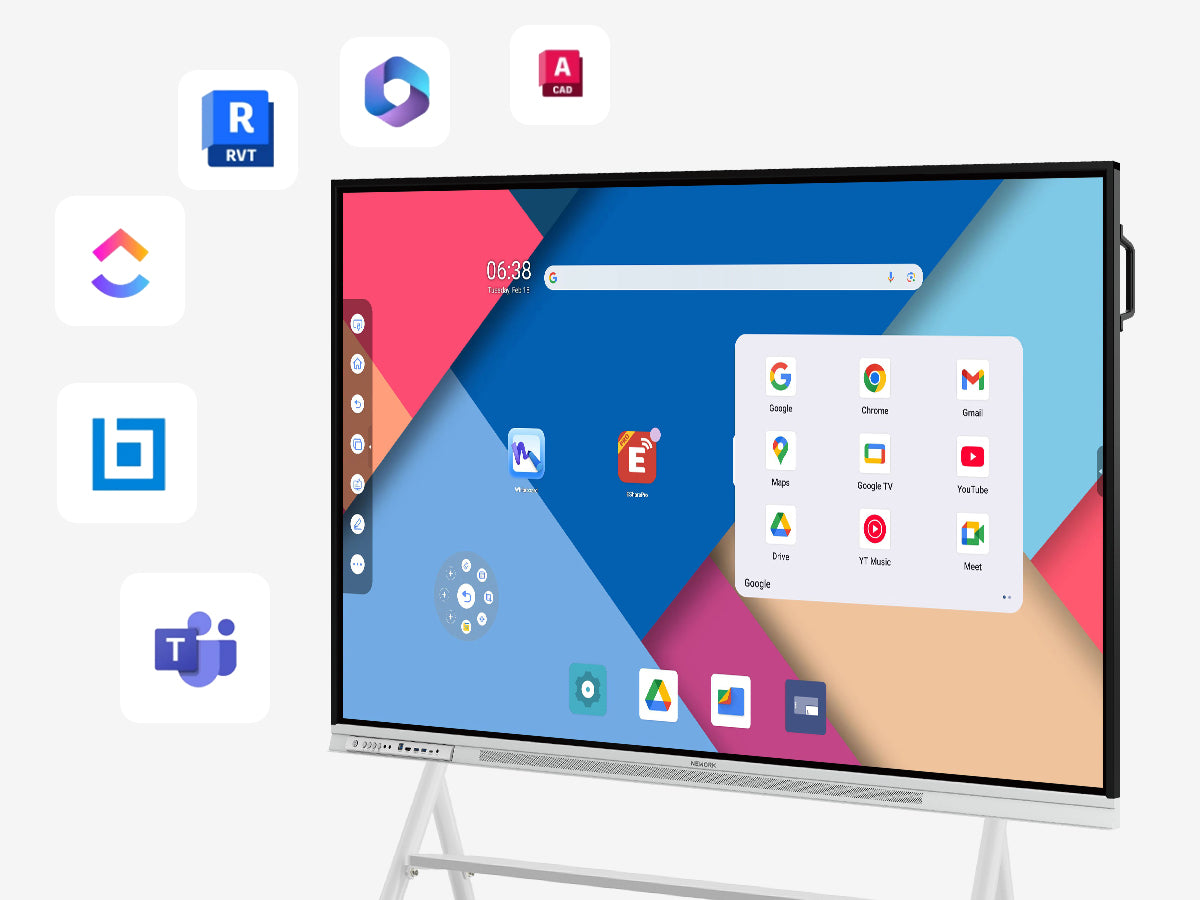
Google EDLA provides users with seamless access to the Google Play Store, enabling them to easily download and use a vast array of applications and content. Whether it’s educational tools and learning resources for academic settings or productivity apps and collaboration software for business environments, Google EDLA meets diverse needs, helping users enhance efficiency and enrich their experience.
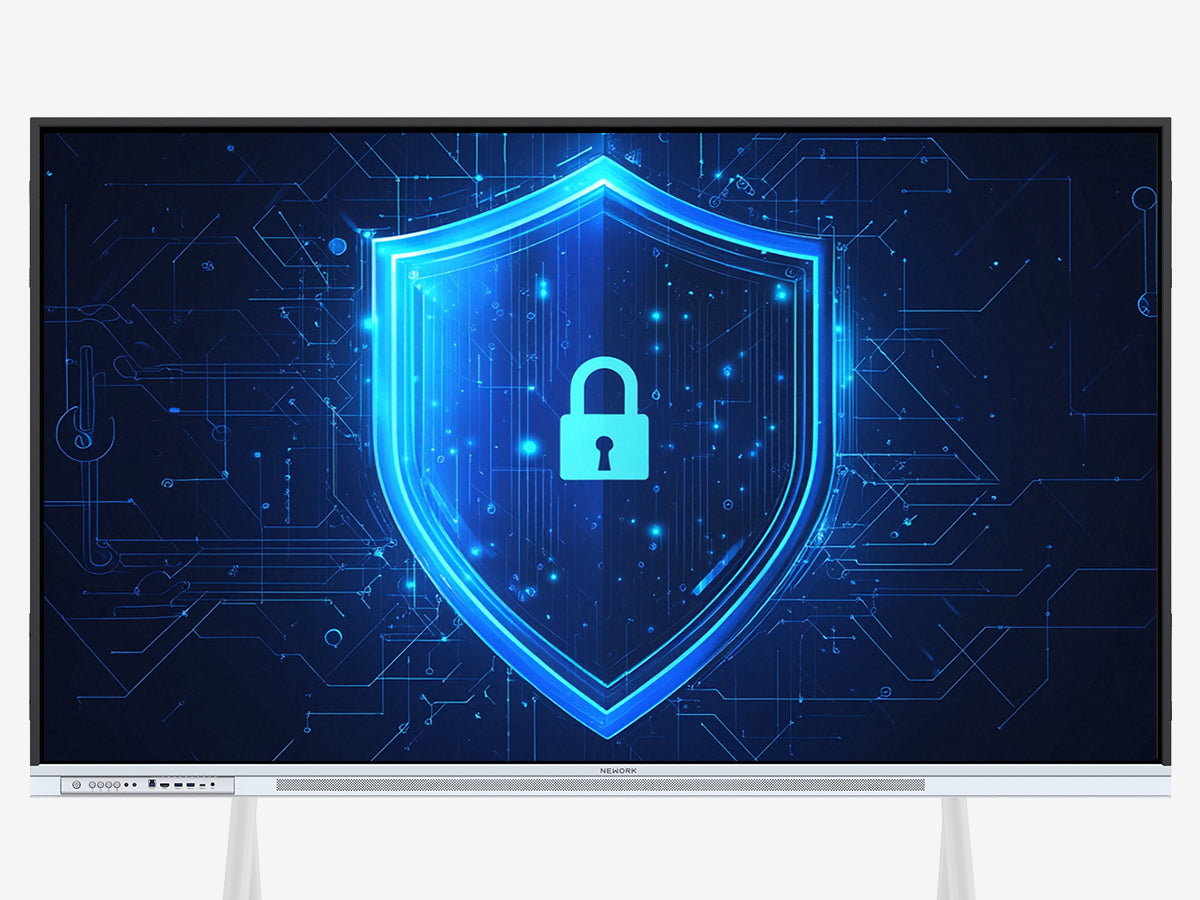
Google EDLA offers robust security features and centralized management capabilities, ensuring users can securely access verified applications while blocking or hiding irrelevant content as needed.
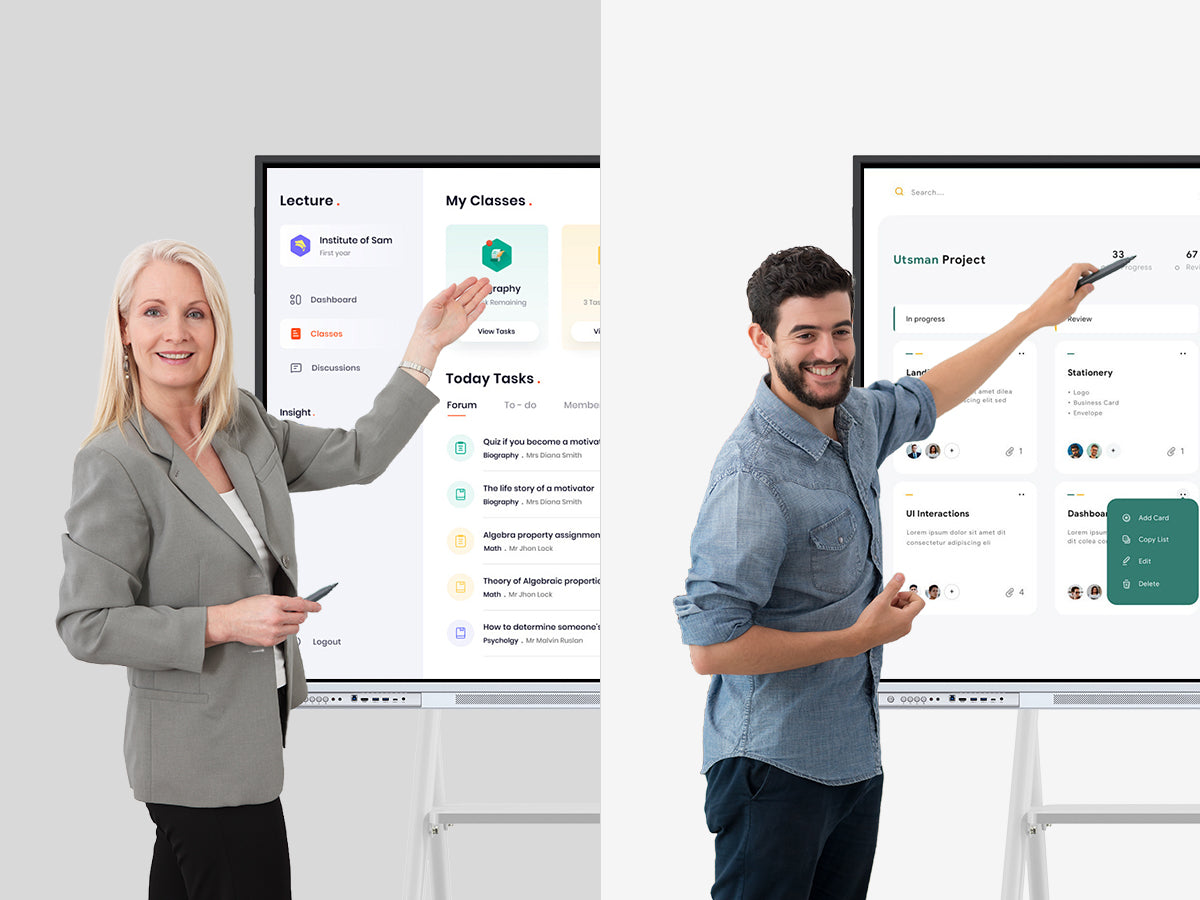
The deep integration of the smart whiteboard with Google Workspace provides users with a comprehensive suite of collaboration and productivity tools. In educational settings, teachers and students can leverage tools like Google Classroom and Google Docs for efficient teaching and learning. In business environments, teams can utilize tools such as Gmail, Google Drive, and Google Meet for seamless communication and collaboration, enhancing work efficiency.

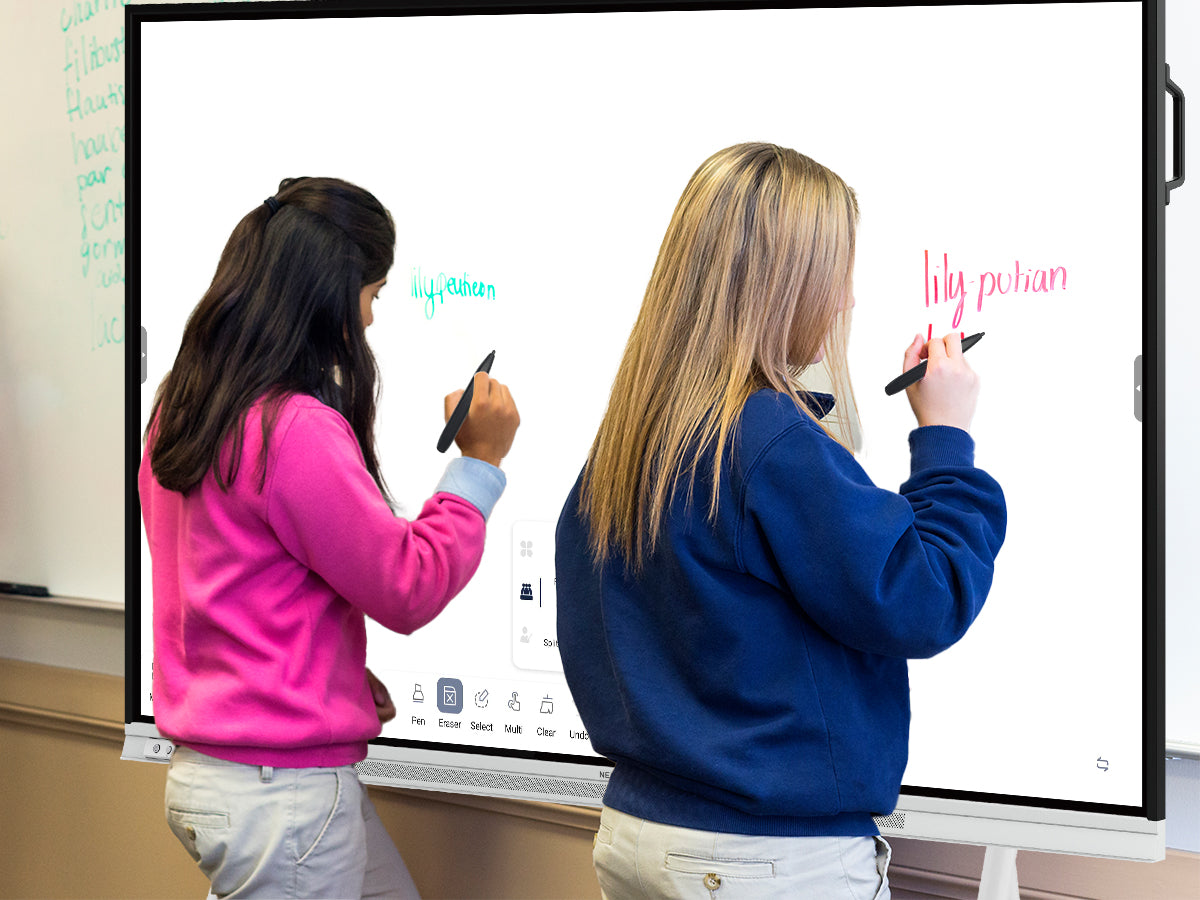
High-Performance Touch and Display
- Supports up to 50-point multi-touch, enabling multiple users to operate simultaneously, ideal for classroom interactions and team collaboration scenarios.
- With a response time as low as 8.0 ms, it ensures smooth writing and operation without delay, enhancing user experience.
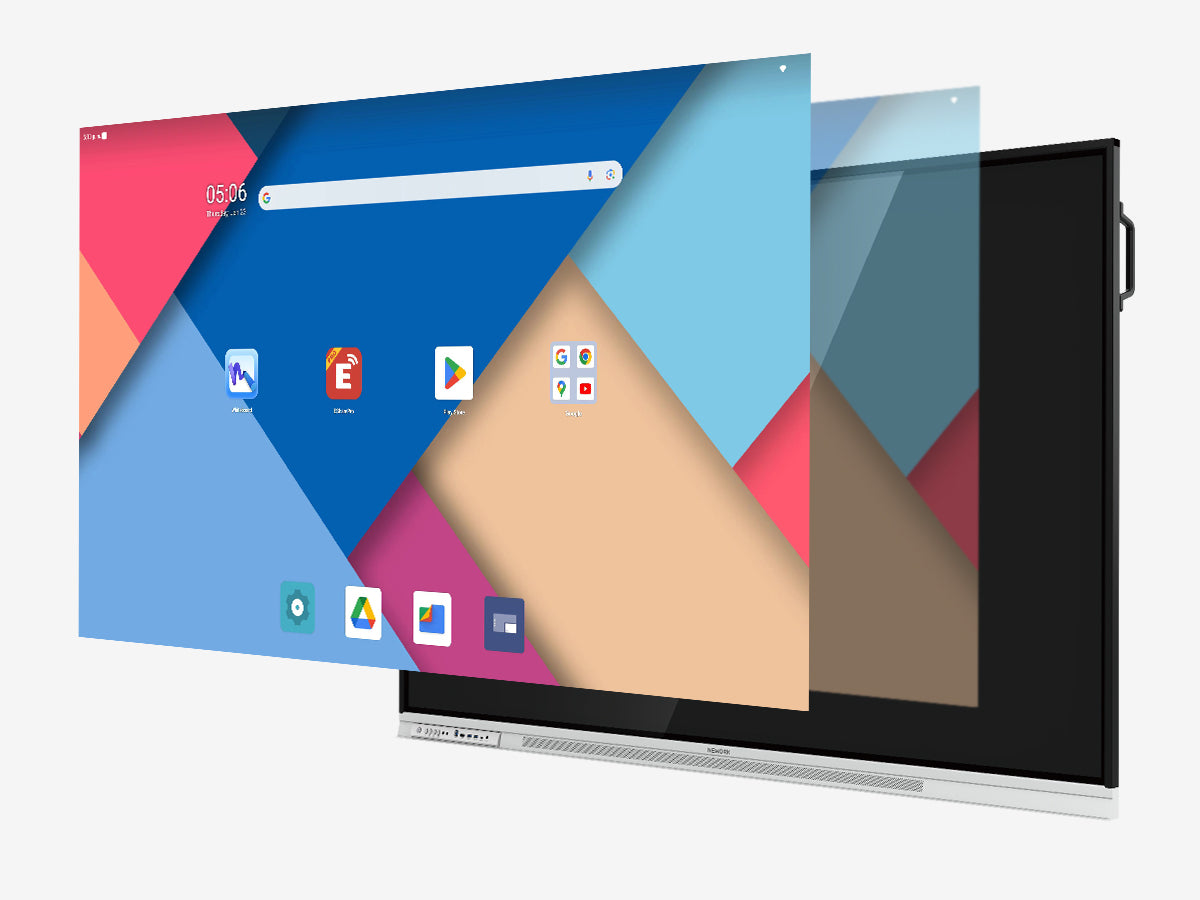
Ultra-HD Display and Eye Protection Design
- The user interface resolution reaches 4K, delivering clear and detailed visuals, perfect for teaching presentations and business displays.
- Anti-glare design reduces eye strain caused by light reflection, suitable for prolonged use.
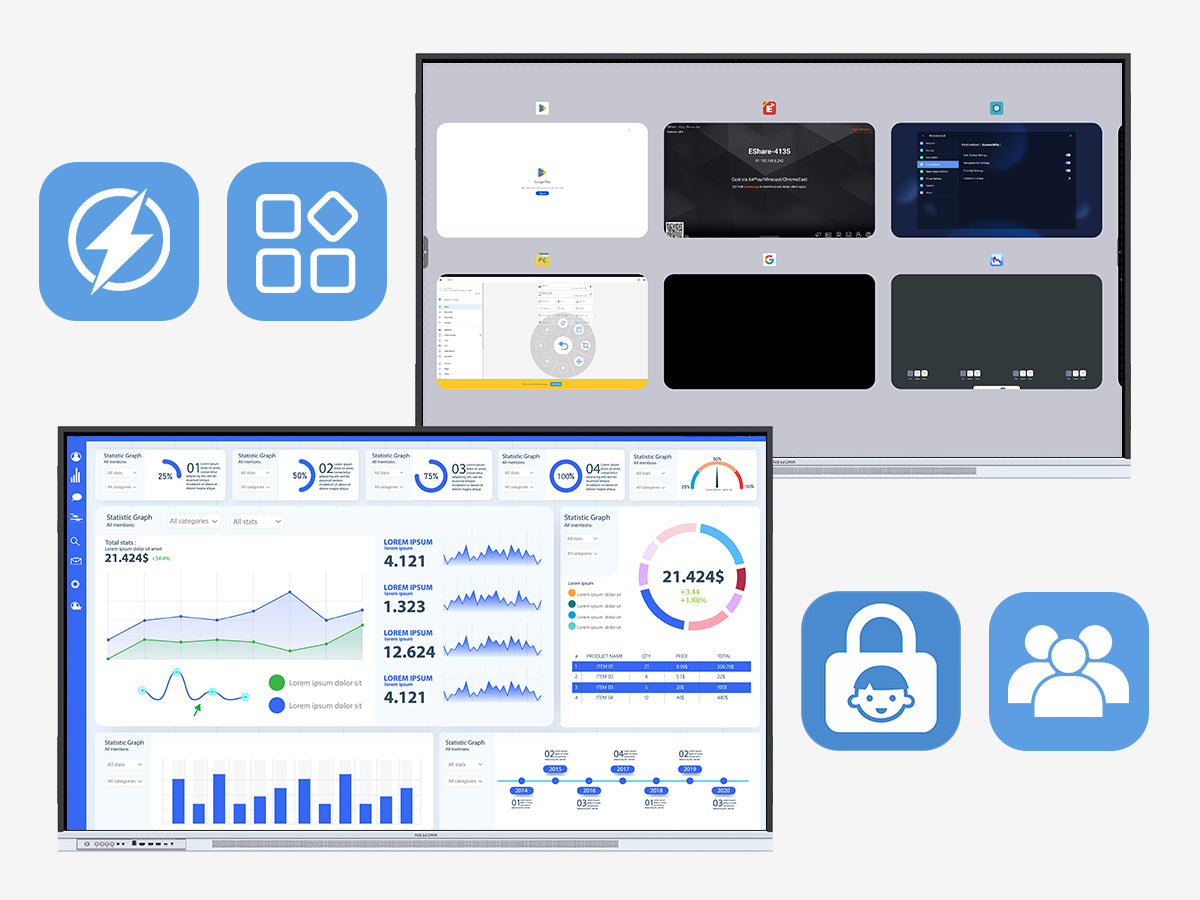
Powerful Hardware and Security Features
- Equipped with 8GB RAM and 64GB storage, it supports efficient operation and multitasking.
- Safety features such as child lock and management mode ensure secure usage in both educational and business environments.
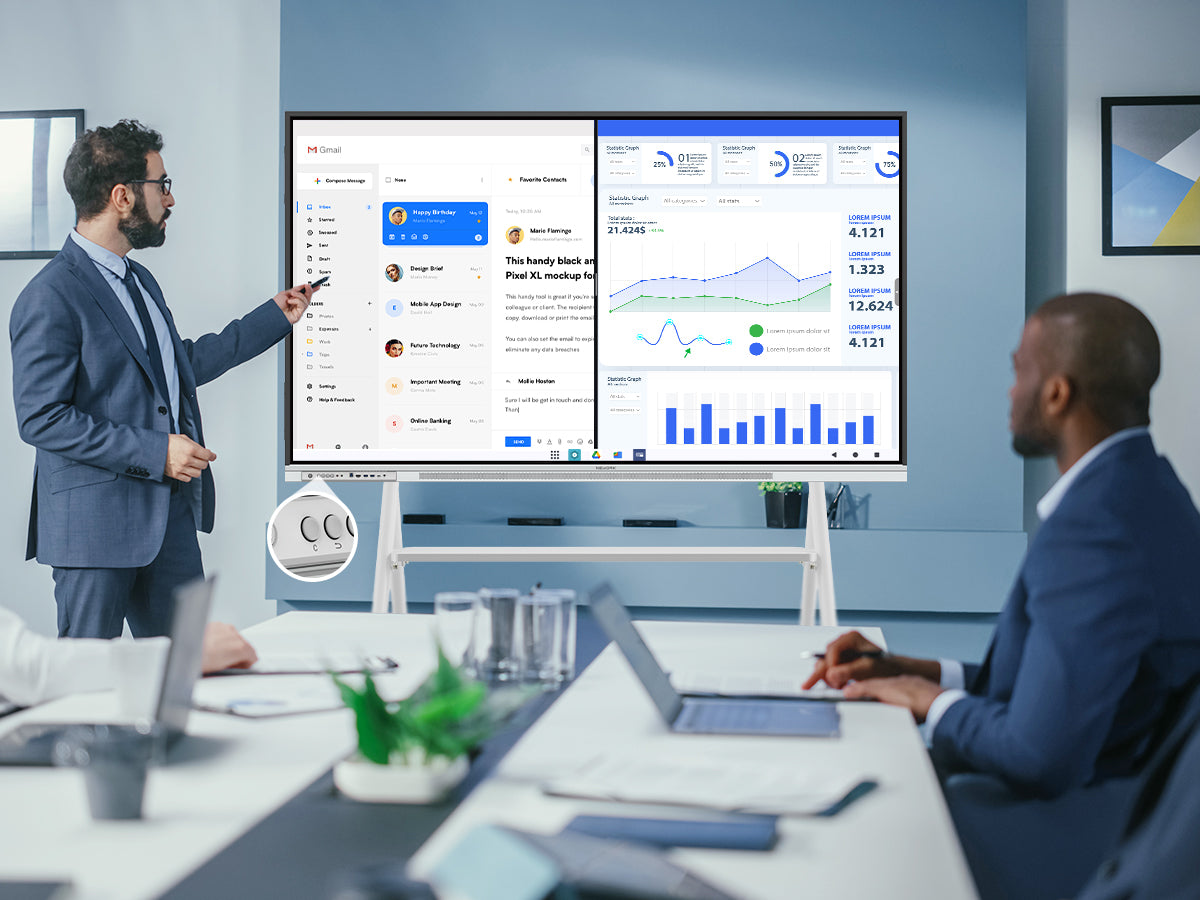
Flexible Operation and Efficiency Enhancement
- The screen C-key supports customizable functions, allowing users to quickly access frequently used tools based on their needs.
- Supports split-screen APP operation, which can handle tasks at the same time and improve work efficiency and teaching effect.
Explore the Product World
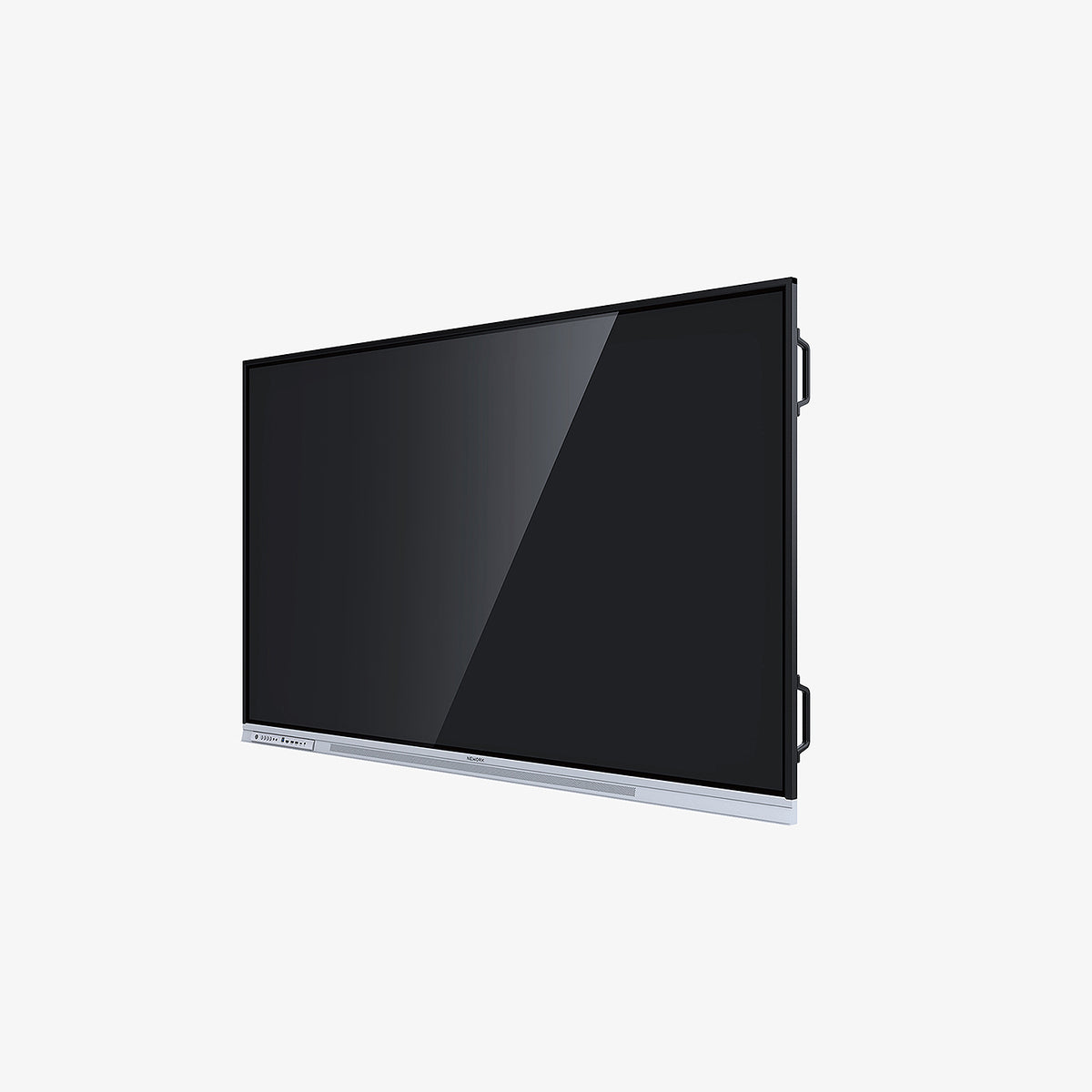
NewBoard 55E
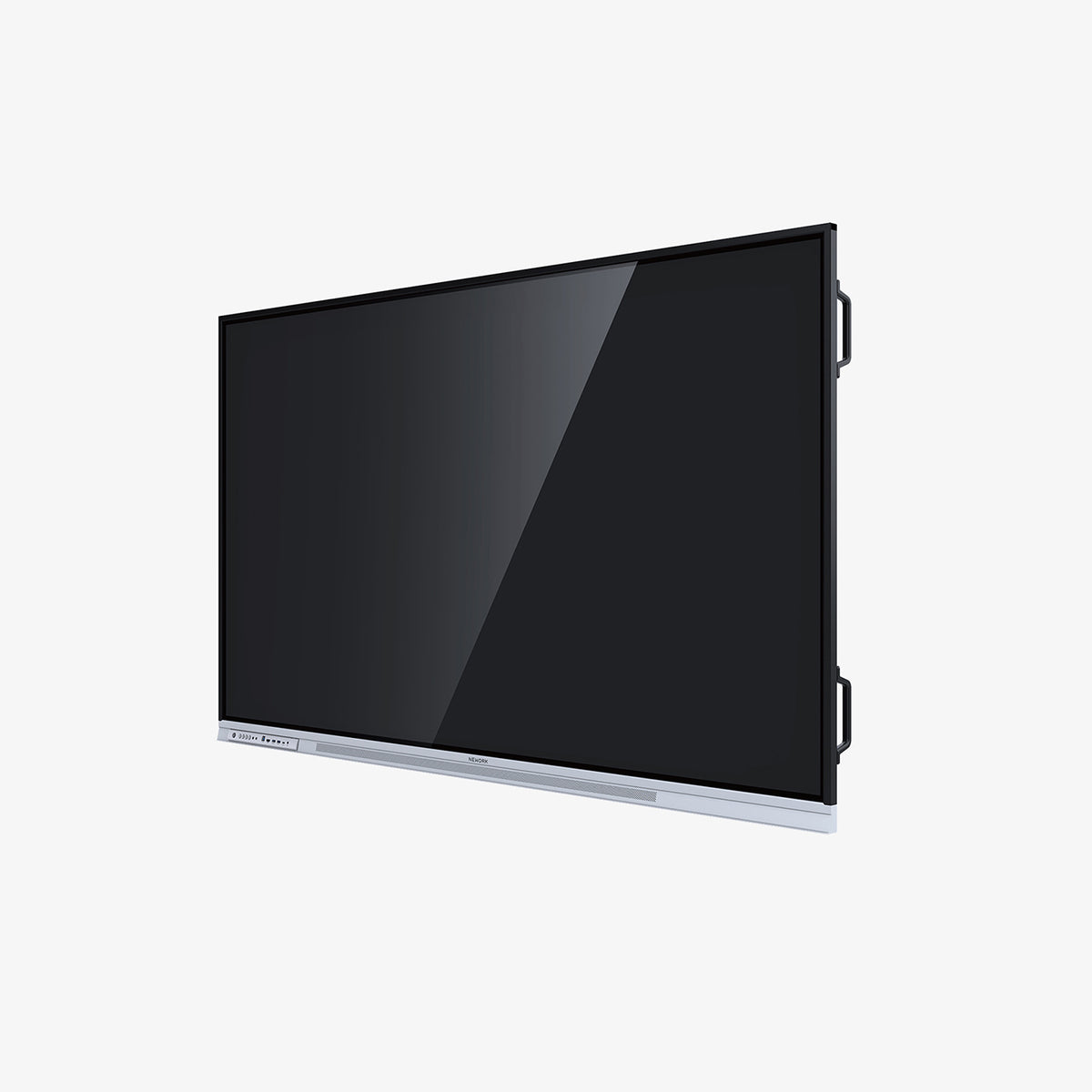
NewBoard 65E
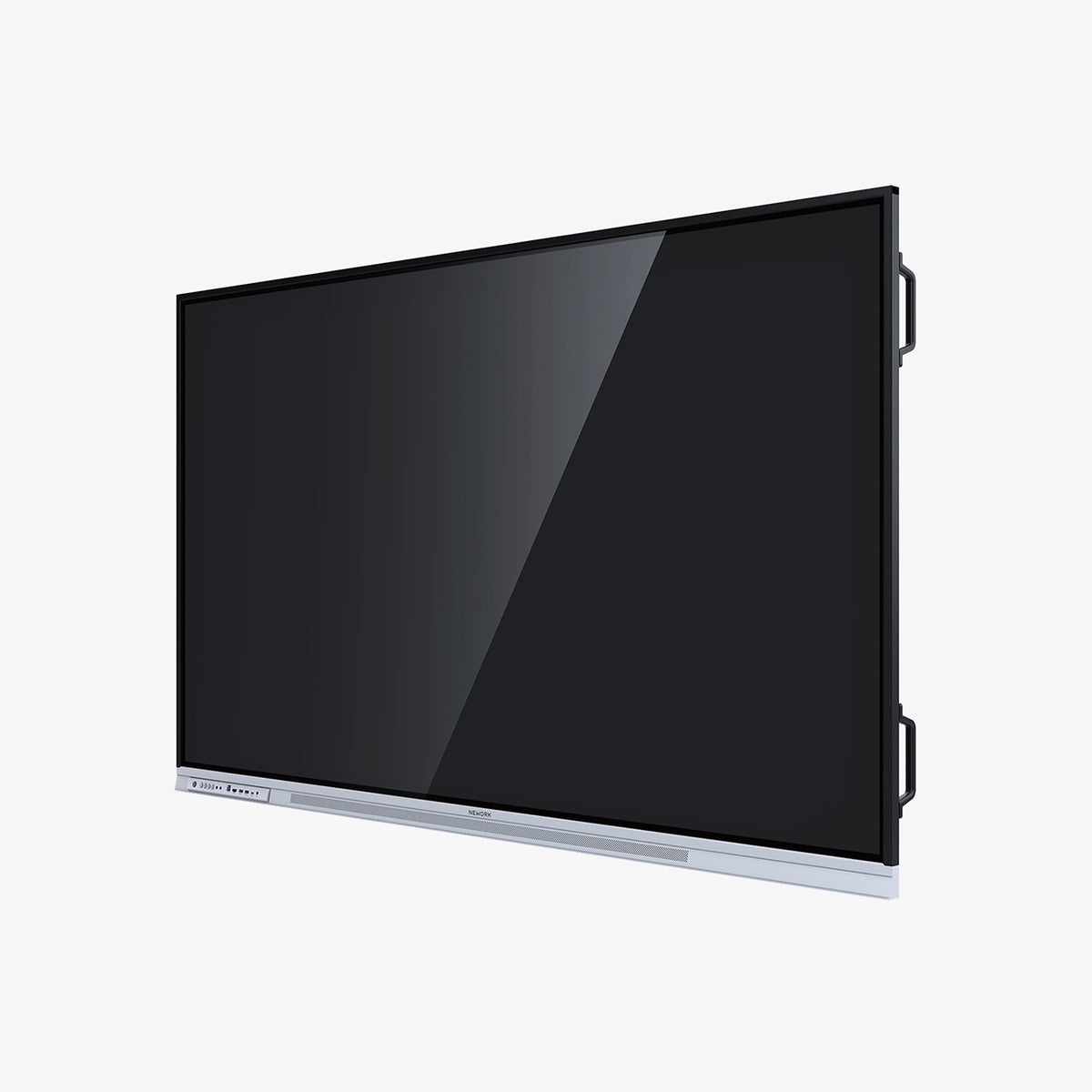
NewBoard 75E
Request a Demo
What can I expect?
✔ Personalized Demo Tailored to Your Needs
✔ Real-World Scenarios for an Intuitive Experience
✔ Expert Answers to All Your Questions